
Quest System
Quest System is a system-agnostic module for Foundry VTT that provides a complete quest management and mission tracking experience for both Game Masters and players.
With it, you can create immersive quests, manage objectives, assign rewards, track player progress, and customize the visual presentation of missions.
Enabling the Module
Section titled “Enabling the Module”Before using the module, make sure it is enabled in your world:

Once enabled, a new Quest System icon will appear in the right sidebar.

Creating a New Quest
Section titled “Creating a New Quest”To create a new quest, click the ”+ Create Quest” button.

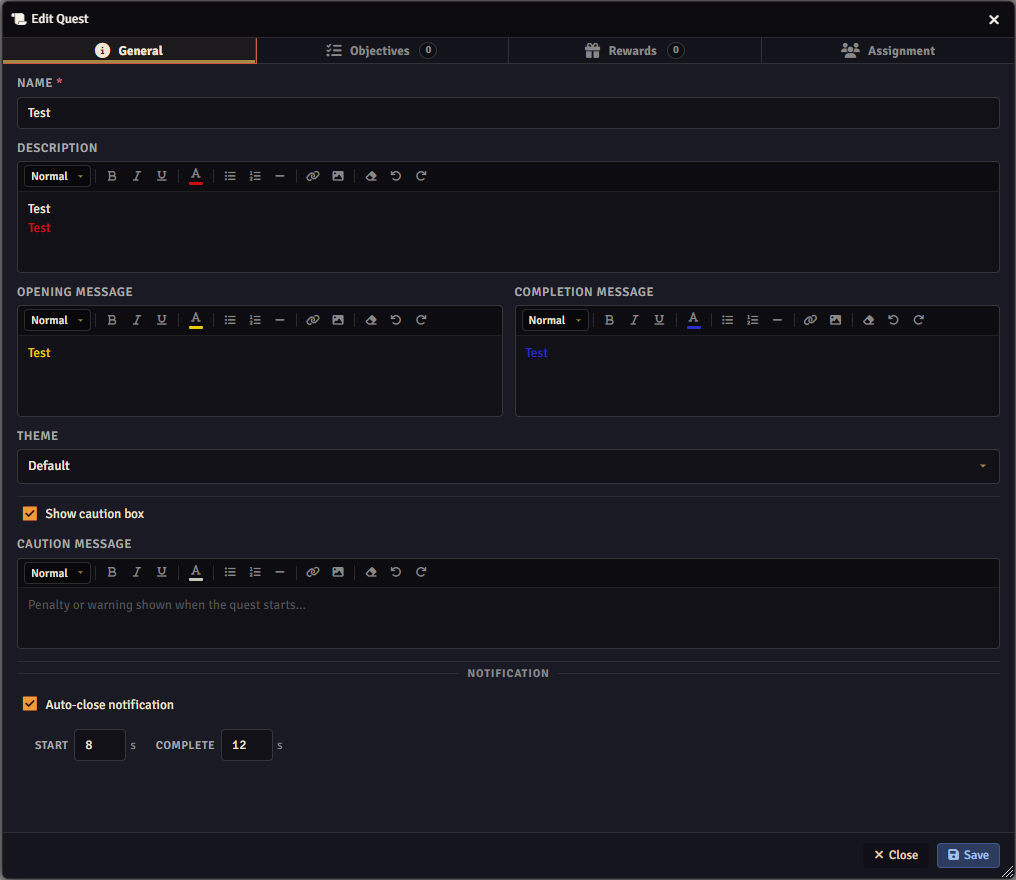
Inside the quest editor, you can configure several elements, including:
Quest name Description Objectives Rewards Assigned players Visual customization
You can also customize the text appearance using different colors and formatting styles.
Important Settings
Section titled “Important Settings”Opening & Completion Messages
Section titled “Opening & Completion Messages”The Opening Message and Completion Message are notifications displayed to players when a quest starts or is completed.
Theme Customization
Section titled “Theme Customization”You can fully customize the quest interface theme using the Theme Editor.
The module already includes 4 default themes, which can be modified to fit your campaign style.

Configuring the Quest
Section titled “Configuring the Quest”Inside the Edit Quest menu, you can configure:
Objectives Rewards Player assignments
Objectives Tab
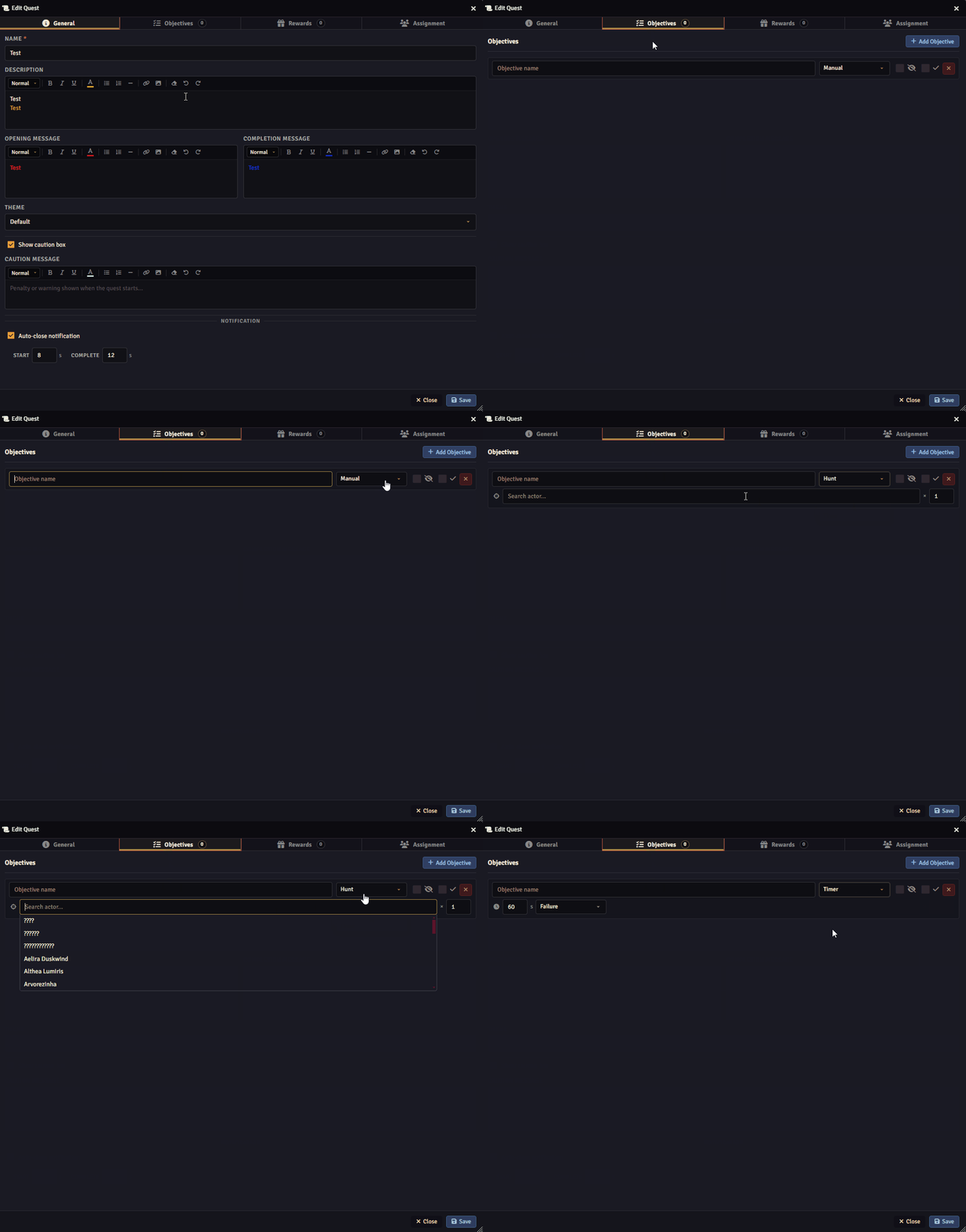
Section titled “Objectives Tab”In the Objectives tab, you can create different types of objectives, including:
Standard objectives Hunt objectives Timed objectives
Rewards Tab
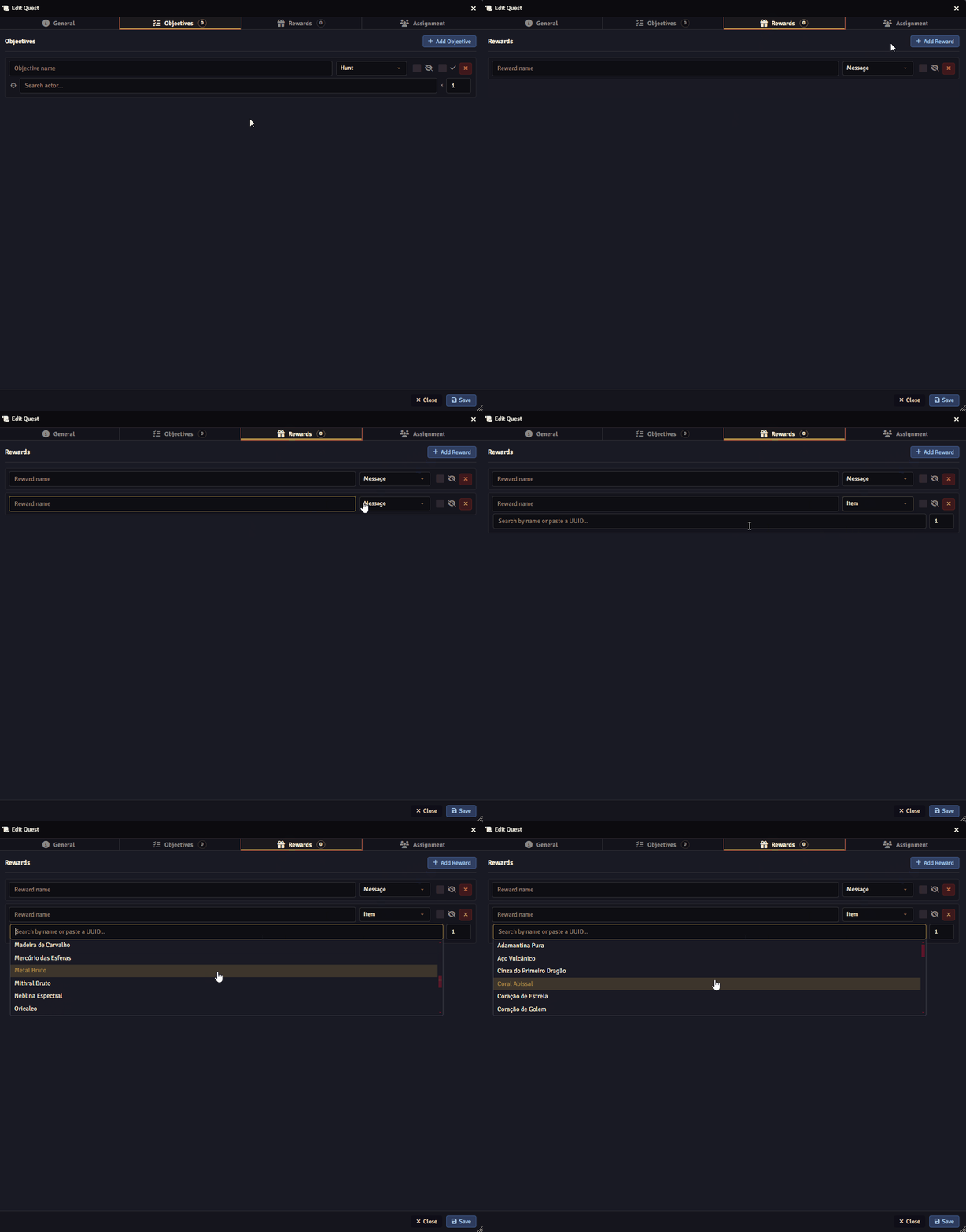
Section titled “Rewards Tab”In the Rewards tab, you can define:
Custom reward messages Direct item rewards
Assignment Tab
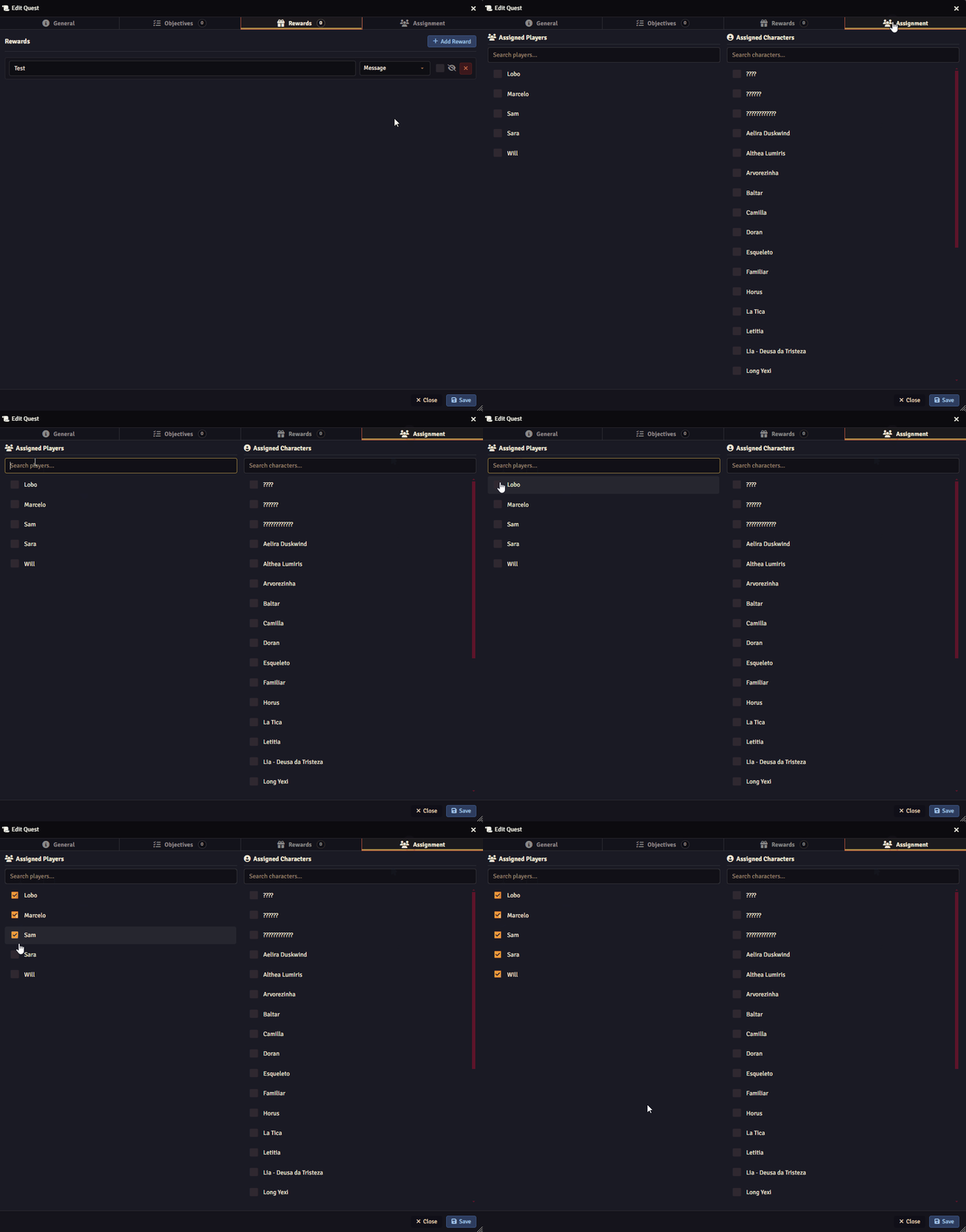
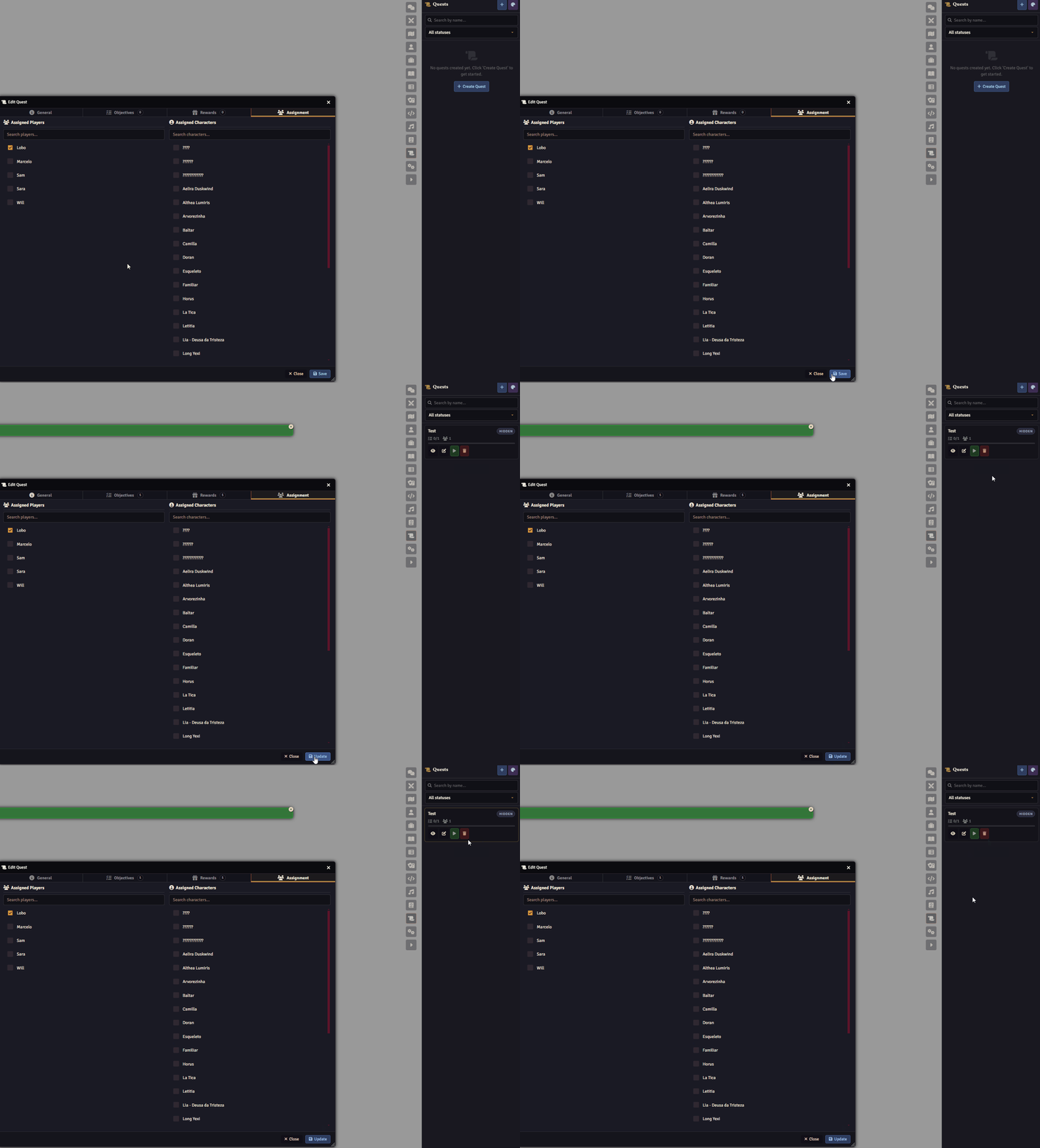
Section titled “Assignment Tab”In the Assignment tab, you can select which players and characters will participate in the quest.
Activating the Quest
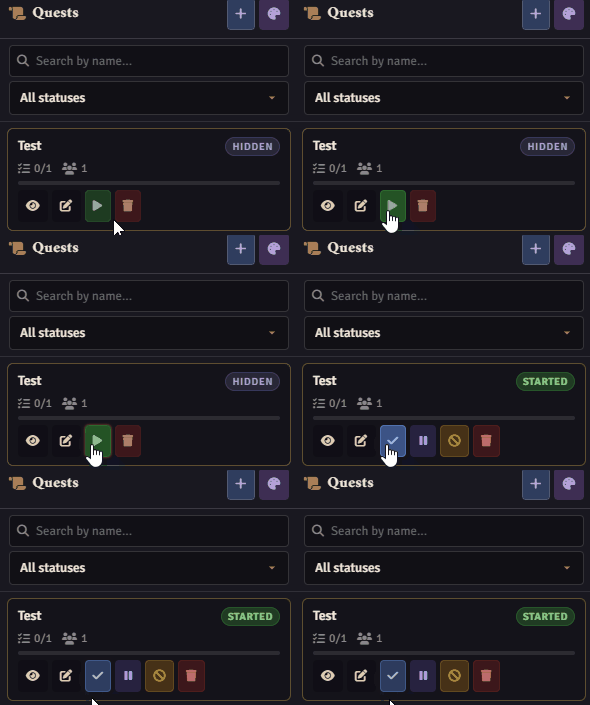
Section titled “Activating the Quest”Once everything is configured, click Save to finalize the quest.
After starting the quest, all assigned players will receive the quest information automatically.
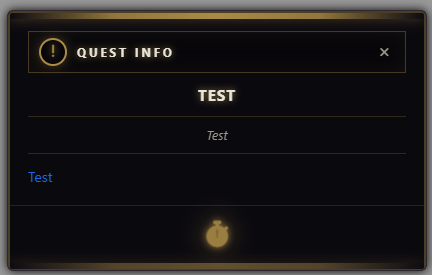
Players can reopen and review quest details at any time.

Managing Quest Status
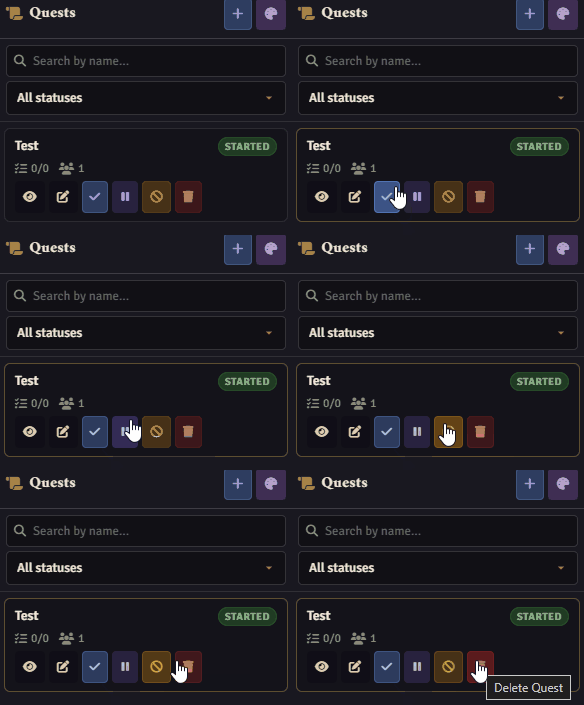
Section titled “Managing Quest Status”At any moment, you can:
Complete the quest Pause the quest Cancel the quest Delete the quest
Further Reading
Section titled “Further Reading”- Visit the Quest System module page to learn more.