
Macro Trigger
The Macro Trigger module is designed to automate dynamic actions in your campaign, making gameplay faster, smoother, and more immersive.
Enabling the Module
Section titled “Enabling the Module”First, ensure the module is enabled:

Next, open the Macro tab and click the Macro Trigger button:
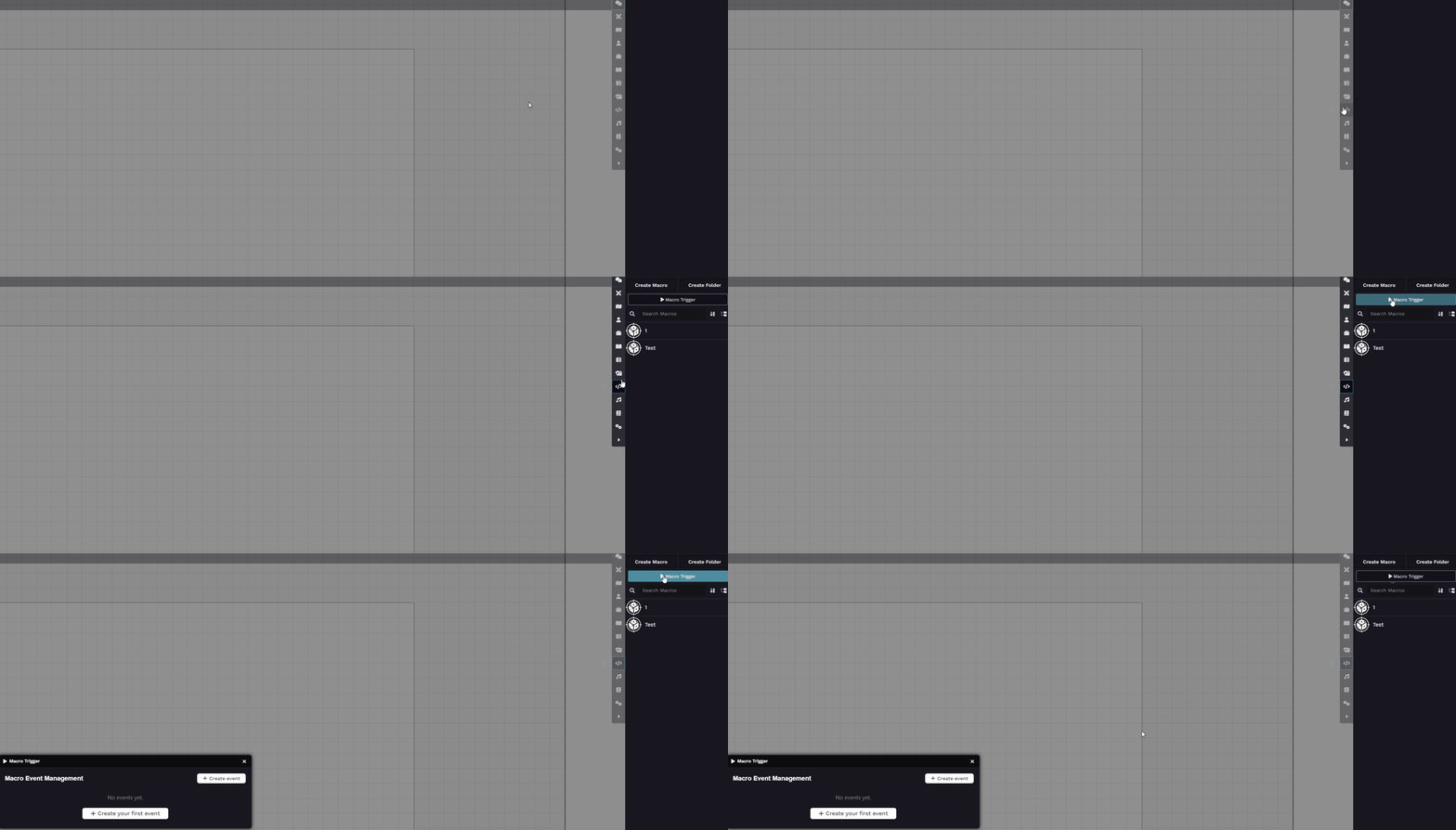
In the Macro Trigger Menu, you’ll be able to create events.
To set them up, you’ll need the Macro ID, which can be obtained by opening the macro and selecting Copy Document UUID:
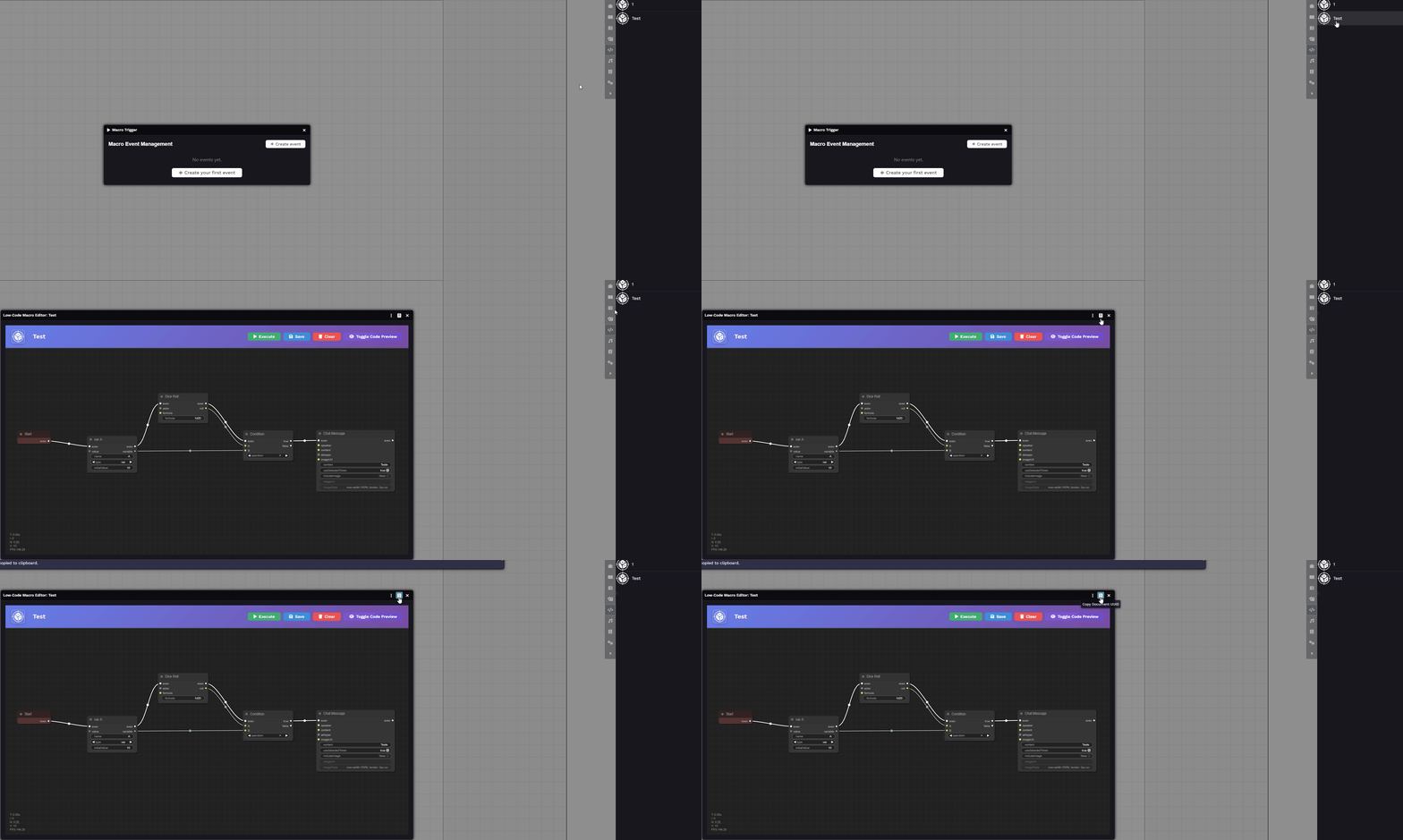
Creating an Event
Section titled “Creating an Event”Click the + Create Event button (or + Create Your First Event if none exist yet):
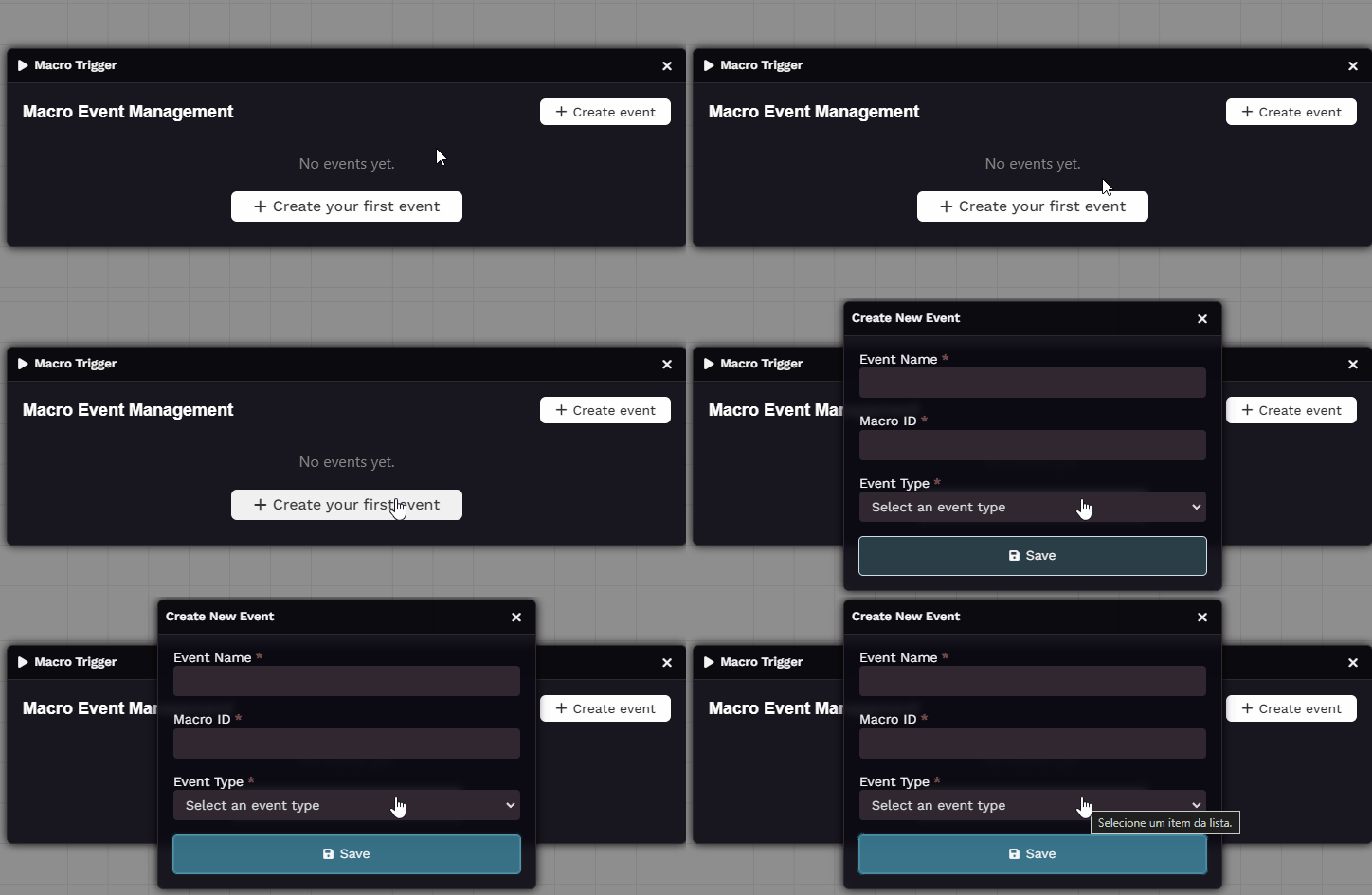
Selecting the Event Type
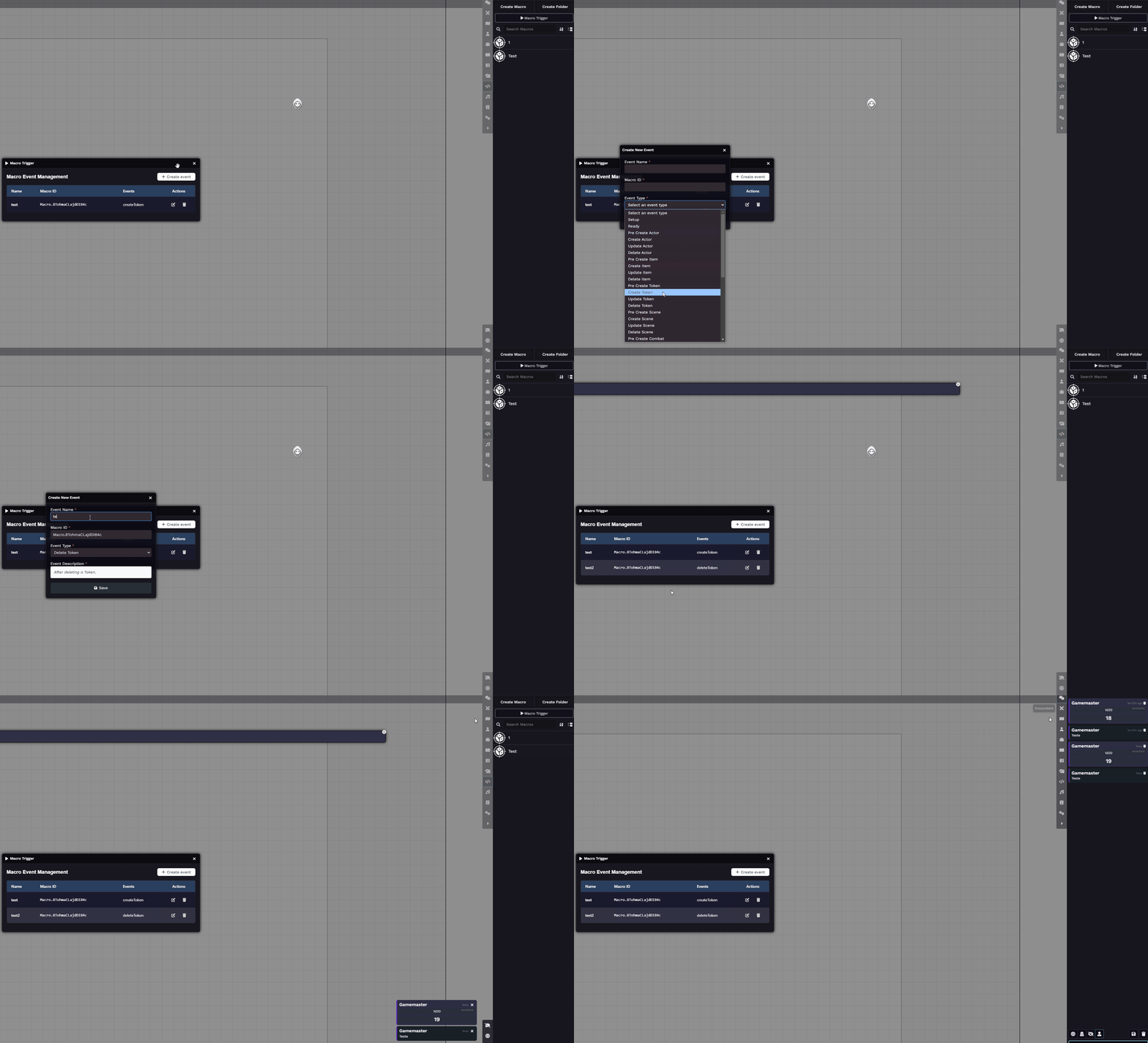
Section titled “Selecting the Event Type”Macro Trigger offers a wide range of event types that can activate your macros.
For this guide, we’ll demonstrate some of the most common ones.
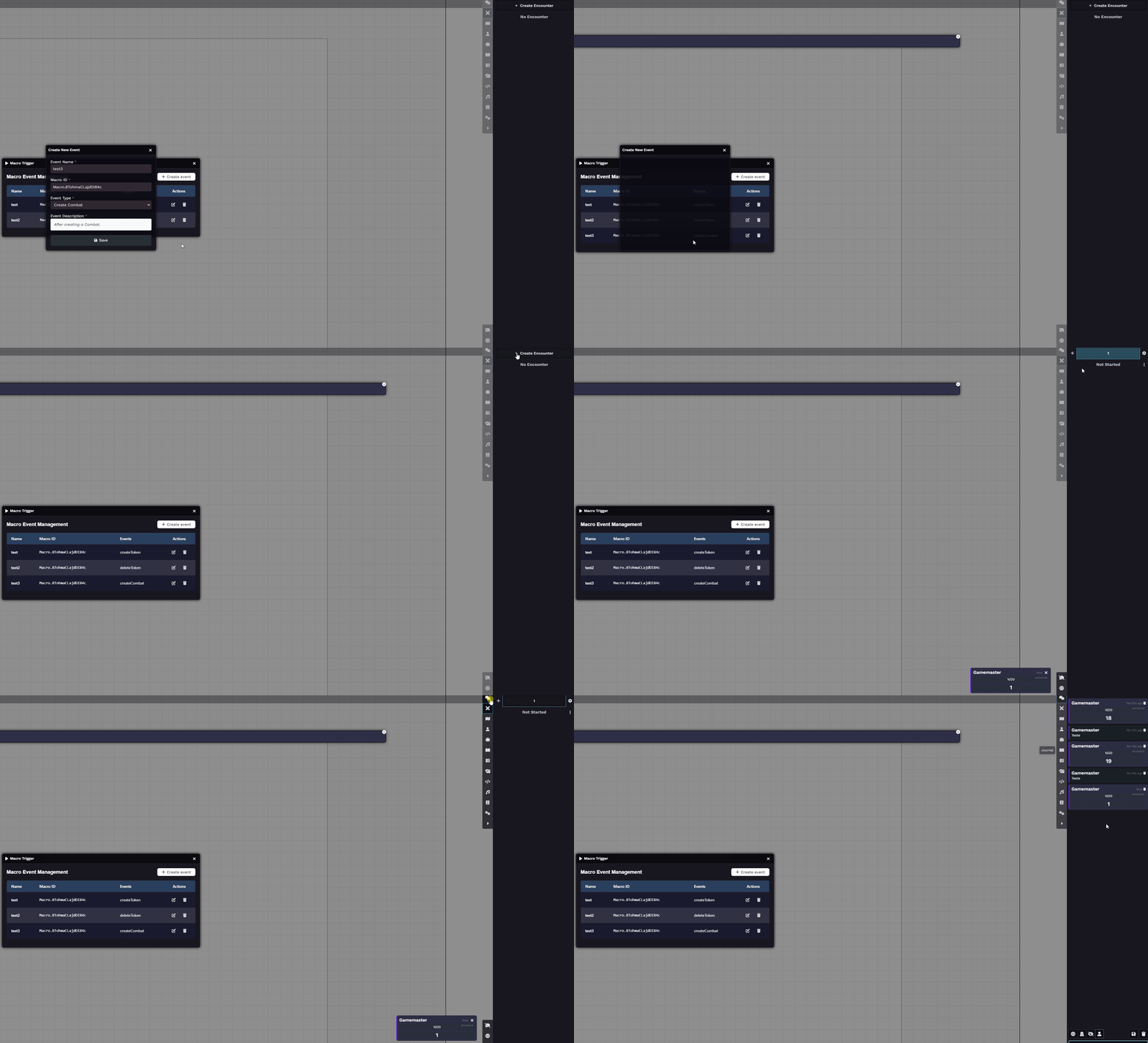
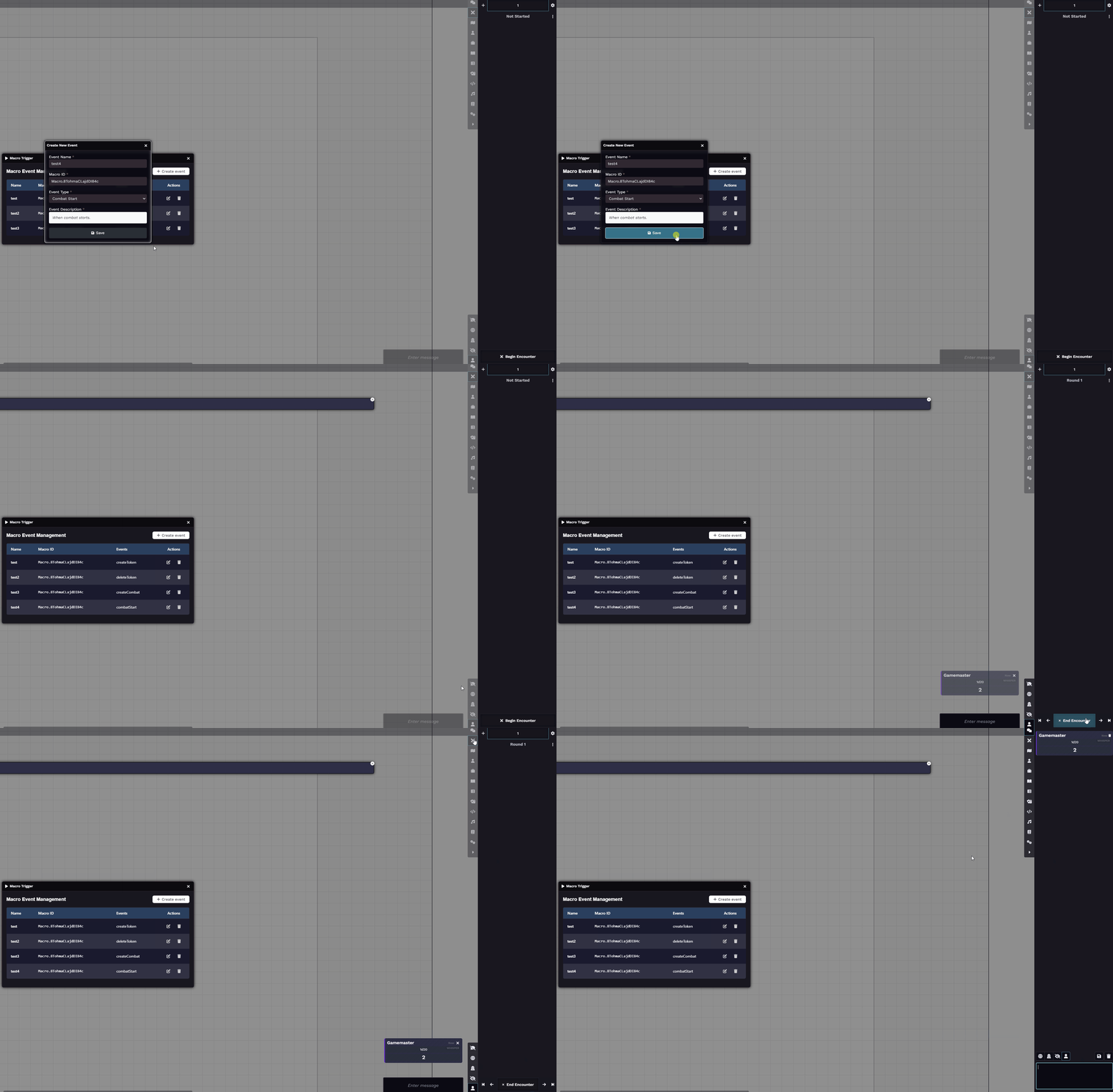
(The sample macro rolls a d20, and if the result is above 10, it sends a message to chat.)
-
Create Token
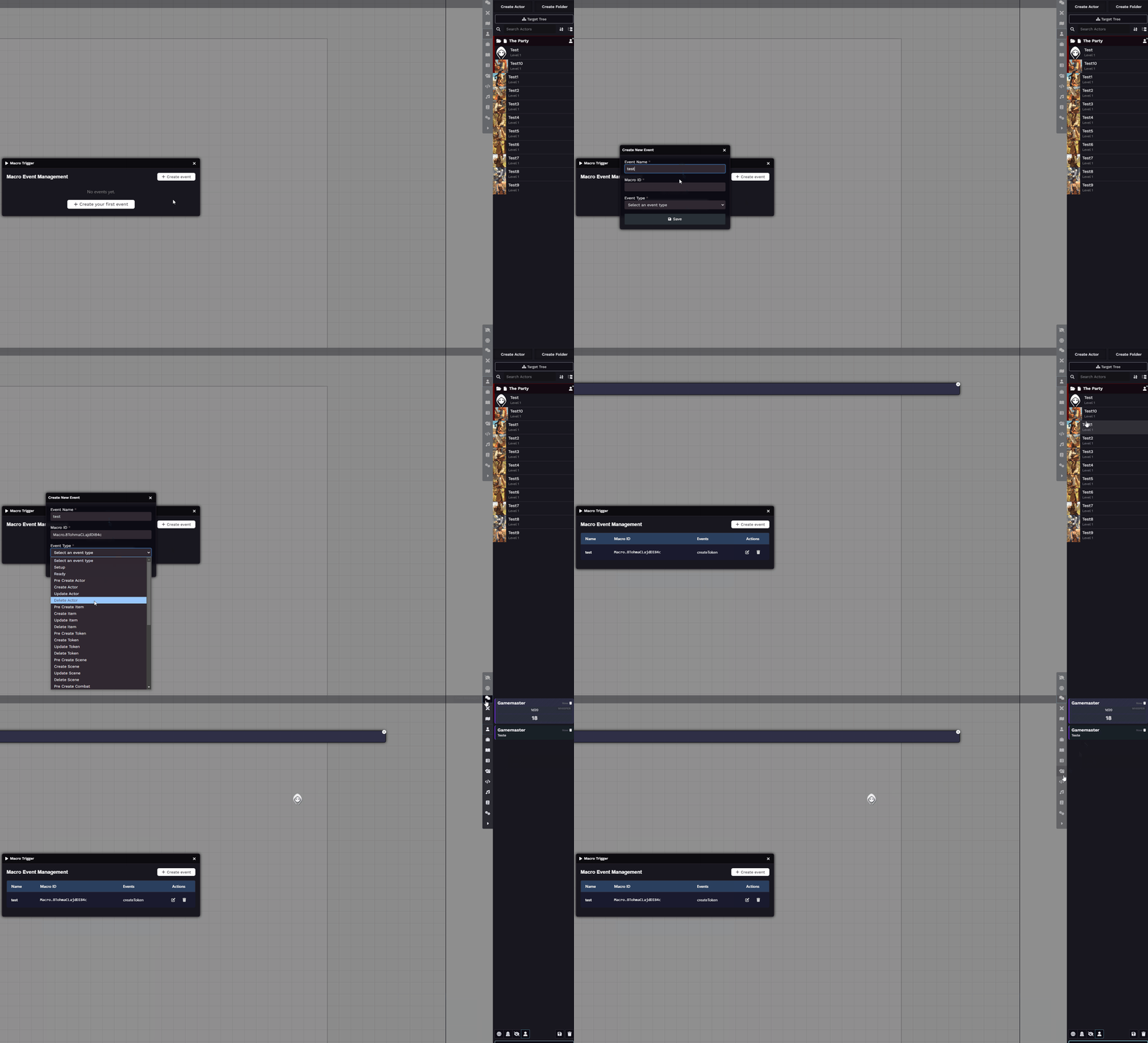
-
Delete Token
-
Create Combat
-
Combat Start
-
Combat Round
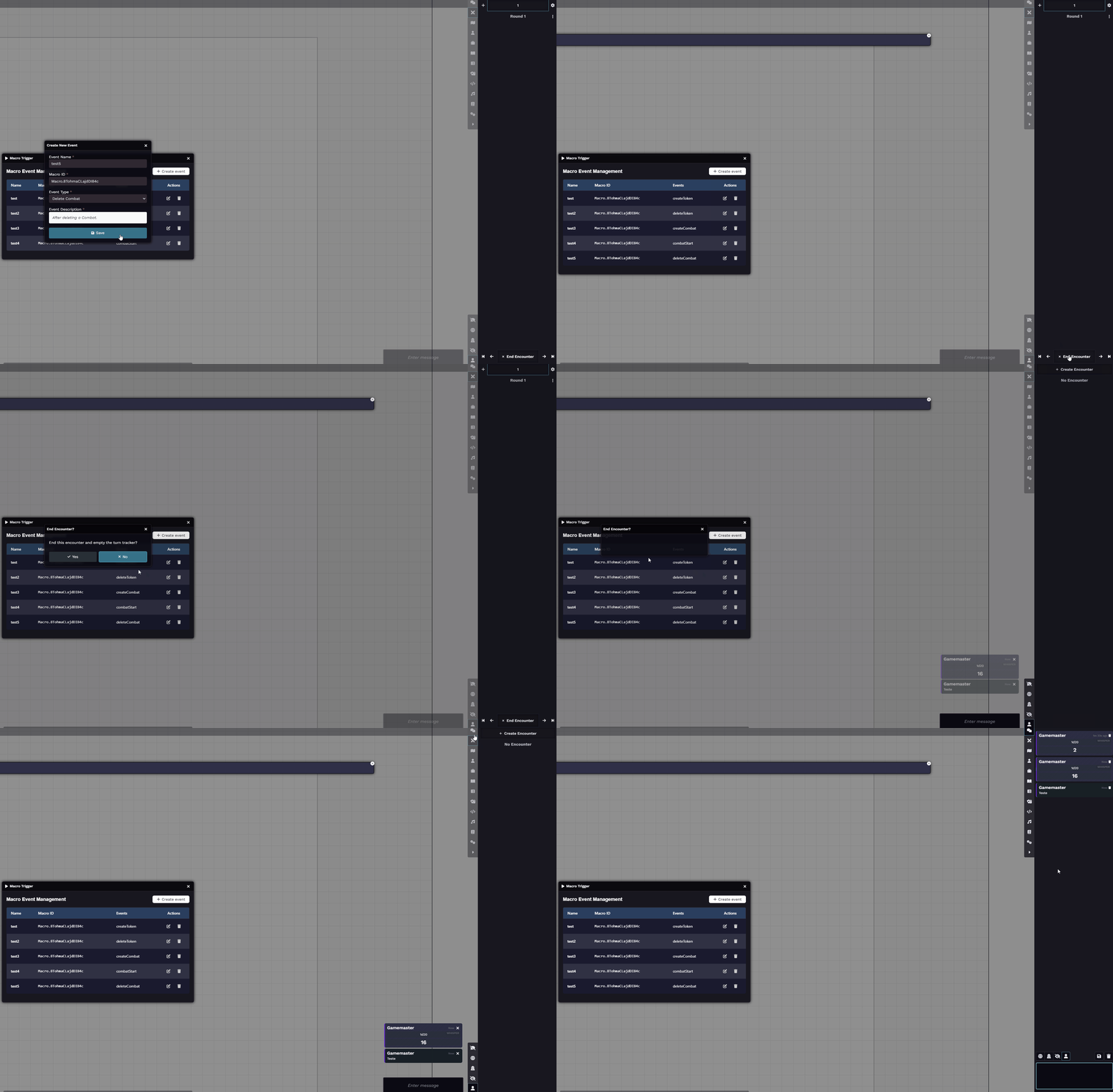
In total, there are 38 event types available for Macro Trigger.
These tools help you and your players enjoy a more fluid and automated experience.
Further Reading
Section titled “Further Reading”- Visit the Foundry Macro Trigger module page for full documentation and updates.